Contract management SharePoint & Microsoft 365

Companies and organisations successfully rely on d.velop contracts for M365.







Contract Management for Microsoft 365
Digital contract management in SharePoint
and Microsoft 365
Never miss deadlines again and never lose contracts again. Bring more order to your storage. Save yourself from having to search forever for a contract. Speed up your contract management processes – from contract creation, to filing, to resubmission. Rely on an innovative solution for the management of contracts, with clear supplier contract management and customer contract management.
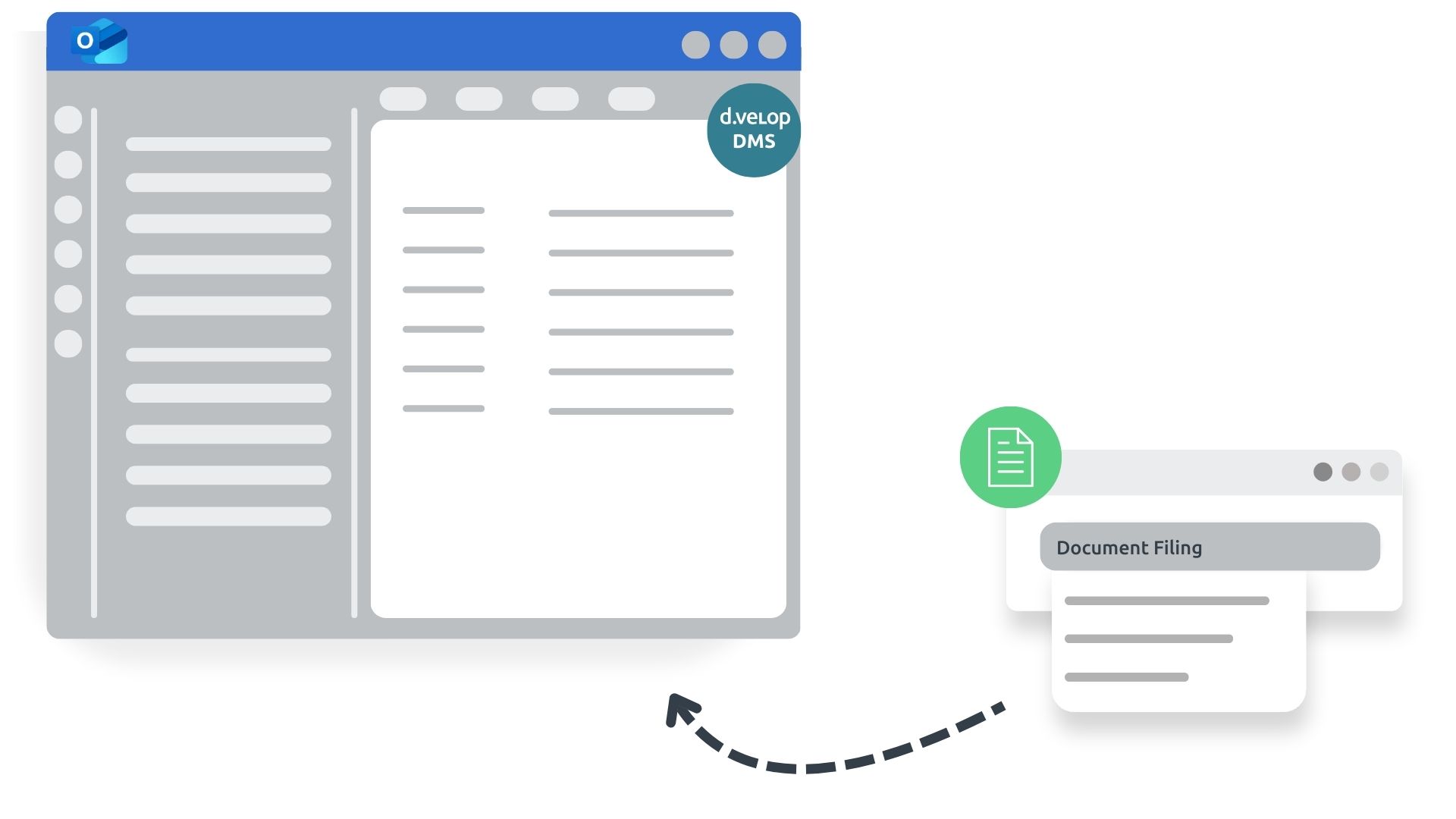
- No media disruption: No need to switch between different applications thanks to integration options within familiar interfaces such as Microsoft SharePoint, Microsoft Teams and Microsoft Outlook – enabling collaborative and simultaneous working.
- Greater security: The days of “losing contracts”, missing deadlines and operating in legal grey areas are over with a contract management solution.
- Everything at a glance: All relevant contracts, tasks and deadlines clearly displayed, supported by smart reminders, a deadline calendar and permission management.

White Paper
Contract management at its best
7 facts about contract management with Microsoft 365
Digitalisation should always go hand in hand with process optimisation. Only then can it unfold its full effect: greater security, higher productivity and lower costs. To achieve this, you need to know the weak points of your processes, provide suggestions for optimisation and convince employees of the merits of new systems.
d.velop contracts for M365 Functions
Discover the features of our contract management software.
Contract management within your familiar Microsoft 365 environment
Take advantage of digital contract management and integrate it seamlessly into your Microsoft 365 world.
- With the quick search feature, contracts within the Microsoft 365 environment can be located in seconds.
- Preview contracts with editing functionality directly in the browser for Office formats.
- The integrated assistant helps you capture all essential contract details.
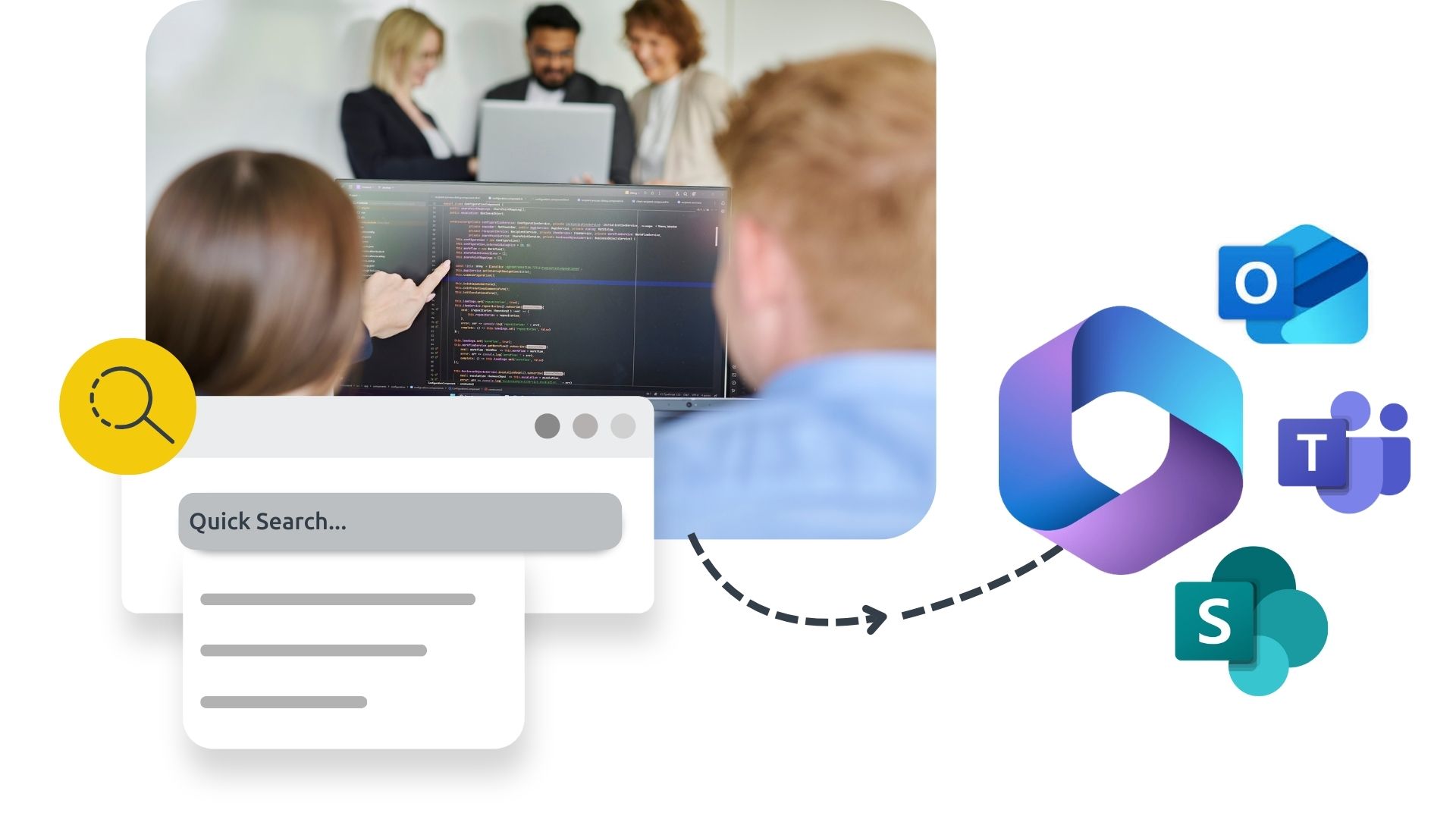
All essential contract management features at a glance
Keep all key information about your contract management in view.
- Quick access to contracts and saved evaluations
- Contract cockpit/dashboard highlighting contracts that require your attention
- Easily transfer contract details by uploading documents
- Save drafts to continue editing later
- Automatically generate contracts through integration with dox42
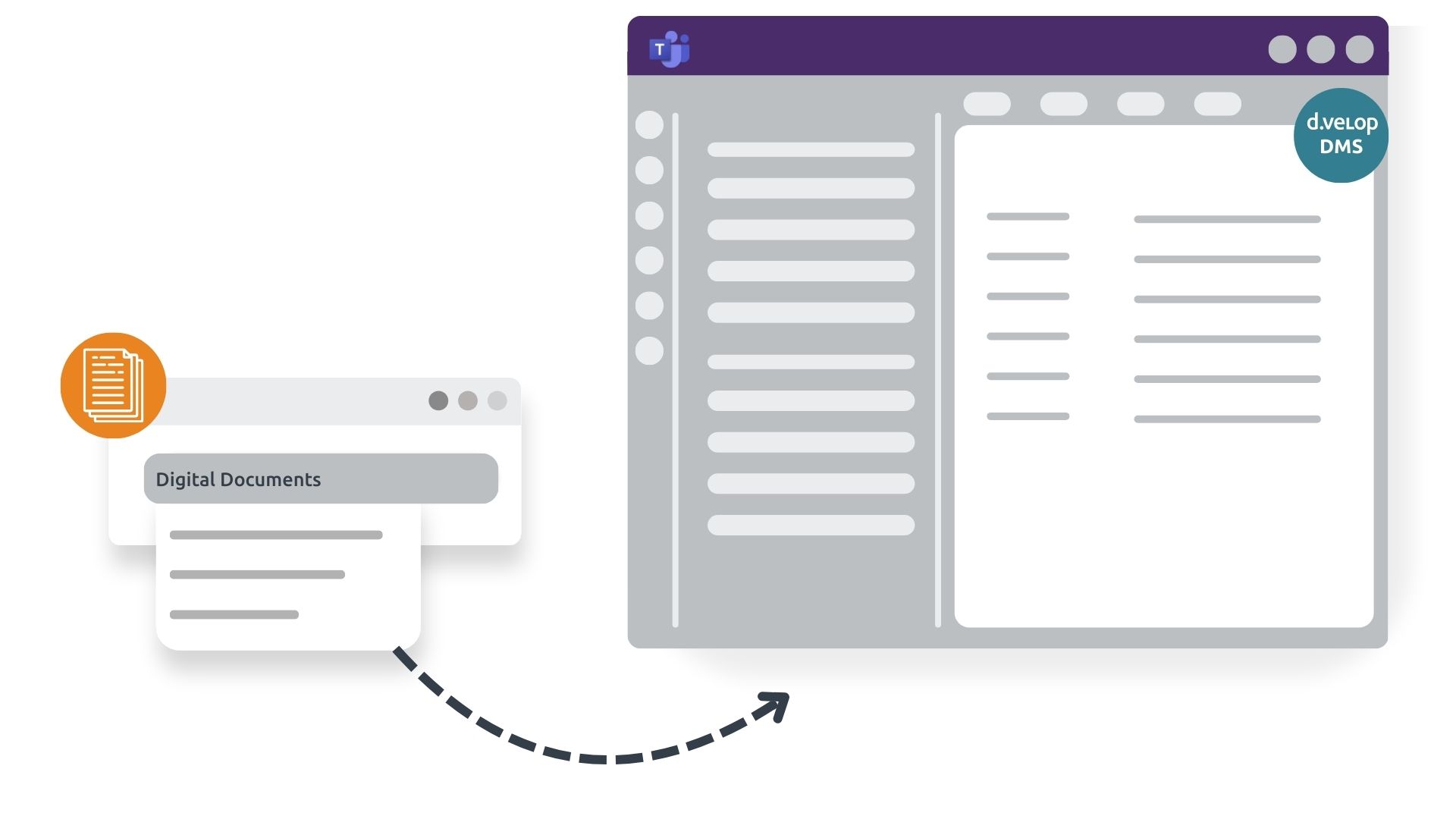
All functionalities accessible and manageable directly from Teams
Benefit from the native integration of contract management in Microsoft Teams and keep all relevant contracts at your fingertips.
- Quick access to contracts directly from Teams channels in the right context
- Immediate visibility of contract-related information in your primary communication tool
- Create tasks within Microsoft Teams
- Handle approvals and contract reviews directly in chat

Webinar
Collaborative Contract Lifecycle Management for Microsoft 365
Did you know that the average loss through value leakage due to poor contract management is 9% of annual turnover? (According to the World Commerce & Contracting Association) It is time to change that!
Learn in the webinar what digital contract management with Microsoft 365 looks like and how you can benefit. Look forward to a live demo of the solution. Afterwards you can test-drive the solution and convince yourself.
Integrations
Seamless integration into existing structures
The Gartner Magic Quadrant for Content Services Platforms confirms d.velop’s strong integration expertise – whether ERP, CRM or other leading applications. Below you’ll find the most popular integrations among our customers. Simply click to learn more!

What excites me about this solution is that, for the first time, it’s a standard product that can then be tailored to the company and its specific needs.


Get a glimpse into contract management in SharePoint and Microsoft 365
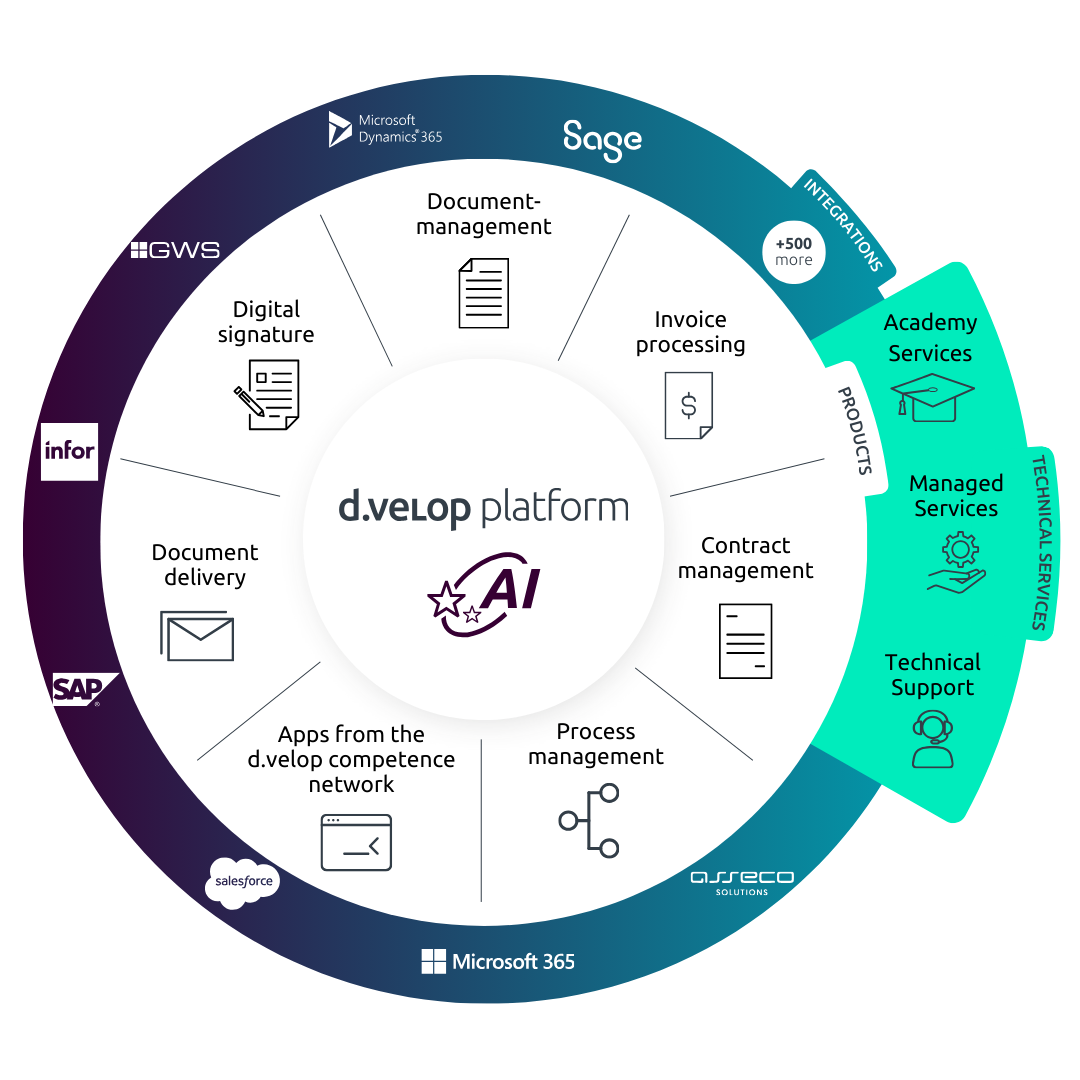
Holistic digitalisation across your organisation
One platform for all document processes
A contract management solution provides the perfect starting point for digitalisation. Expand your contract management with powerful solutions from the d.velop platform. Embrace holistic digitalisation and say goodbye to manual processes that waste valuable employee time – across the entire organisation.
News & Resources
Contract management for SharePoint in focus
Want to learn more about using contract management software? Here you’ll find news and in-depth information.
Use contract management effectively in SharePoint and Microsoft 365

Discover why Excel is outdated for contract management and how SharePoint Online and Microsoft 365 provide a smarter, more strategic alternative for digital transformation.
Contract signature: Starting a new business relationship digitally

Explore why digital signatures are key to building trust in contract management and how e-signatures enable fast, location-independent signing.
Improving the contract management process? Only possible with digitalization!

This blog article explains exactly how the contract management process works and how it can be improved through digital design.
7 Features every contract management software must have

Which functionalities should companies and organisations look for when choosing contract management software? We have summarised the seven must-have features.
The most frequently asked questions about digital contract management with SharePoint
All documents in contract management are physically stored in your SharePoint in underlying document libraries. Therefore, all document types supported by SharePoint Online can be stored in contract management.
Documents can be shared with both internal and external persons. There is the option of sending either a link or a copy of the document. This only gives the person access to the shared document and not to other contents of the contract file.
Contract documents can be edited in Word. To do this, click on “Open in Microsoft Office” in the context menu of the document to be edited. The document opens in the browser with Word Online and can be edited there and opened as a desktop version. All changes are saved automatically and can be viewed later using the change tracking function.
The search for document content is possible via a full-text search. This finds all content of searchable document types, such as Word, Excel, PowerPoint and PDF.
Seven contract types are available as standard to get you started quickly with contract management. You can rename or customise these contract types. You can also create additional contract types.
The digital signature can be integrated into contract management so that contract documents can be digitally signed from the contract file. The signed document is then stored in the file as a PDF.
On the start page, there is a dashboard with “Contracts that require my attention”. By default, this dashboard contains the tabs “Last modified”, “My deadlines”, “My tasks” and “Incomplete”. You can customise these tabs to your requirements as part of the implementation project.
d.velop contracts for Microsoft 365 is able to determine the appropriate authorisations for a master agreement and set them automatically on the contract. Authorisation profiles must be stored for this purpose, which define at contract type level which role receives read or write access rights. The set of rules can also be used to respond flexibly to your requirements. We will be happy to advise you here.
You can flexibly customise the detailed fields during installation and also later. When it comes to the number of detailed fields, we recommend the approach “as much as necessary, as little as possible” to ensure a certain clarity and still find everything relevant.
The detailed fields depend on the selected contract type. In the case of a supplier contract, for example, information on delivery times or discounts is requested, whereas the property address and number of parking spaces must be entered for a rental contract.
The “Tasks” tab allows you to store several key dates in a master agreement. A due date and a notification start date must be defined for a new task. In this way, the system reminds you in good time of upcoming deadlines.
Contact & Consultation
We connect data and people – And look forward to hearing from you.
Curious? We’d be happy to show you our software.
Simply request a live demo.