Contract management SharePoint & Microsoft 365

Companies and organisations successfully rely on d.velop contracts for M365.







Contractbeheer voor Microsoft 365
Digitaal contractbeheer in SharePoint
en Microsoft 365
Mis nooit meer deadlines en verlies nooit meer contracten. Breng meer orde in je opslag. Bespaar jezelf het eeuwig zoeken naar een contract. Versnel je contractbeheerprocessen - van het maken van contracten tot het archiveren en opnieuw indienen ervan. Vertrouw op een innovatieve oplossing voor het beheer van contracten, met duidelijk leverancierscontractbeheer en klantencontractbeheer.
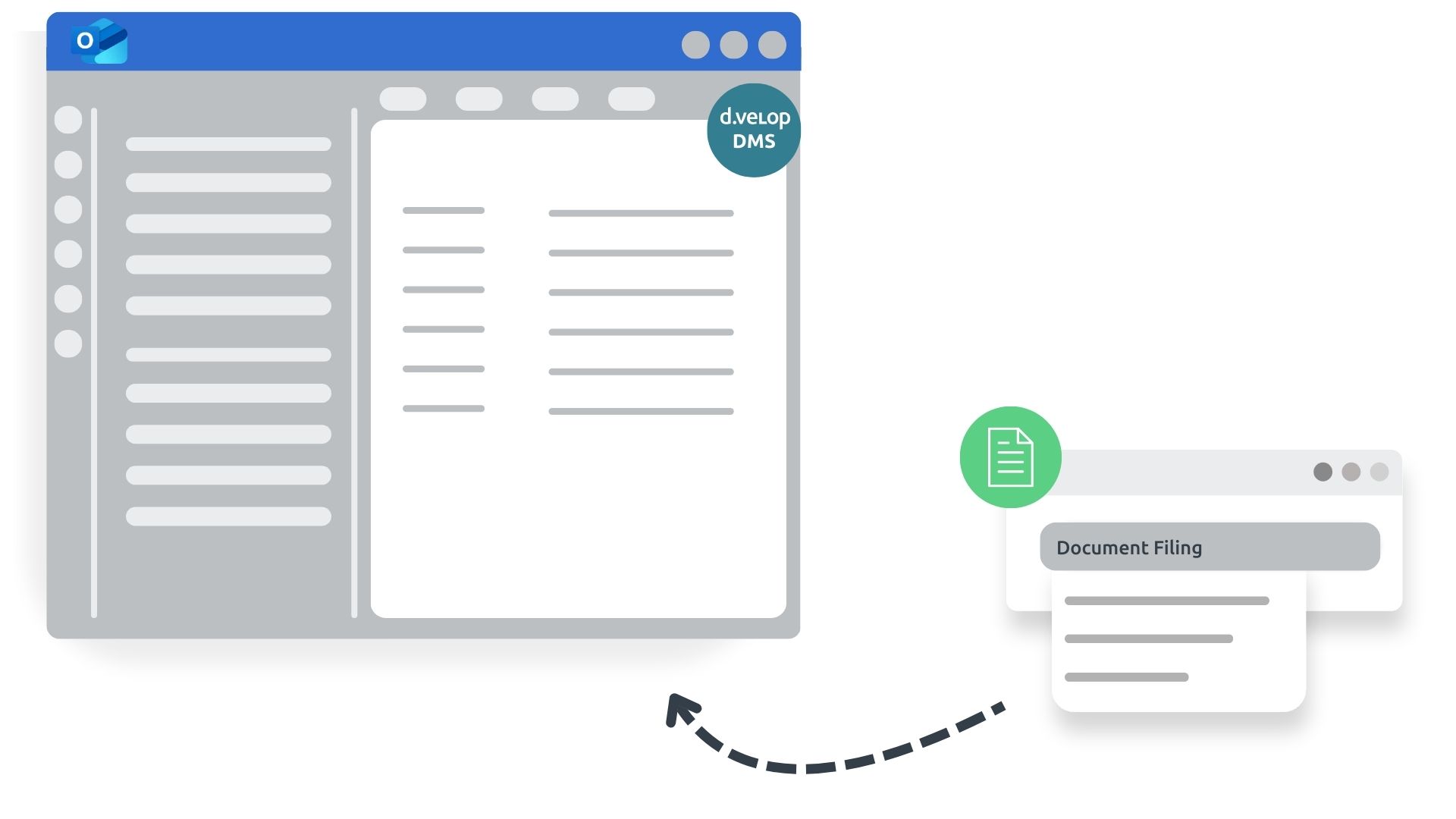
- No media disruption: No need to switch between different applications thanks to integration options within familiar interfaces such as Microsoft SharePoint, Microsoft Teams and Microsoft Outlook – enabling collaborative and simultaneous working.
- Greater security: The days of “losing contracts”, missing deadlines and operating in legal grey areas are over with a contract management solution.
- Everything at a glance: All relevant contracts, tasks and deadlines clearly displayed, supported by smart reminders, a deadline calendar and permission management.

Witboek
Contractbeheer op zijn best
7 feiten over contractbeheer met Microsoft 365
Digitalisation should always go hand in hand with process optimisation. Only then can it unfold its full effect: greater security, higher productivity and lower costs. To achieve this, you need to know the weak points of your processes, provide suggestions for optimisation and convince employees of the merits of new systems.
d.velop contracts for M365 Functions
Discover the features of our contract management software.
Contract management within your familiar Microsoft 365 environment
Take advantage of digital contract management and integrate it seamlessly into your Microsoft 365 world.
- With the quick search feature, contracts within the Microsoft 365 environment can be located in seconds.
- Preview contracts with editing functionality directly in the browser for Office formats.
- The integrated assistant helps you capture all essential contract details.

All essential contract management features at a glance
Keep all key information about your contract management in view.
- Quick access to contracts and saved evaluations
- Contract cockpit/dashboard highlighting contracts that require your attention
- Easily transfer contract details by uploading documents
- Save drafts to continue editing later
- Automatically generate contracts through integration with dox42
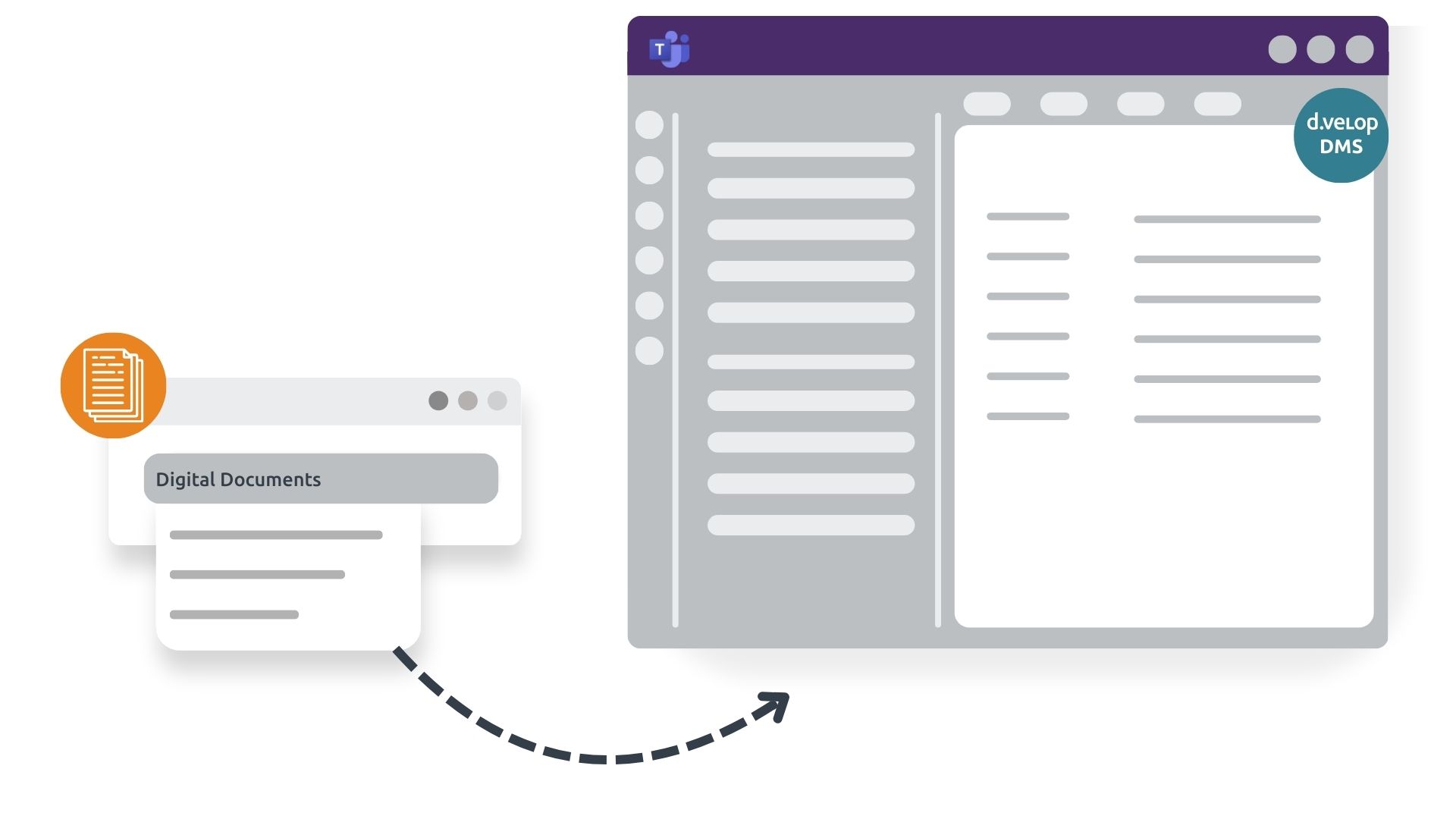
All functionalities accessible and manageable directly from Teams
Benefit from the native integration of contract management in Microsoft Teams and keep all relevant contracts at your fingertips.
- Quick access to contracts directly from Teams channels in the right context
- Immediate visibility of contract-related information in your primary communication tool
- Create tasks within Microsoft Teams
- Handle approvals and contract reviews directly in chat

Webinar
Samenwerking bij het beheer van contractlevenscycli voor Microsoft 365
Did you know that the average loss through value leakage due to poor contract management is 9% of annual turnover? (According to the World Commerce & Contracting Association) It is time to change that!
Leer in het webinar hoe digitaal contractbeheer met Microsoft 365 eruitziet en hoe u hiervan kunt profiteren. Kijk uit naar een live demo van de oplossing. Daarna kun je de oplossing uitproberen en jezelf overtuigen.
Integraties
Naadloze integratie in bestaande structuren
The Gartner Magic Quadrant for Content Services Platforms confirms d.velop’s strong integration expertise – whether ERP, CRM or other leading applications. Below you’ll find the most popular integrations among our customers. Simply click to learn more!

What excites me about this solution is that, for the first time, it’s a standard product that can then be tailored to the company and its specific needs.


With d.velop solutions for Microsoft 365, all desired requirements for contract management and incoming invoice processing were successfully met.



Een kijkje in contractbeheer in SharePoint en Microsoft 365
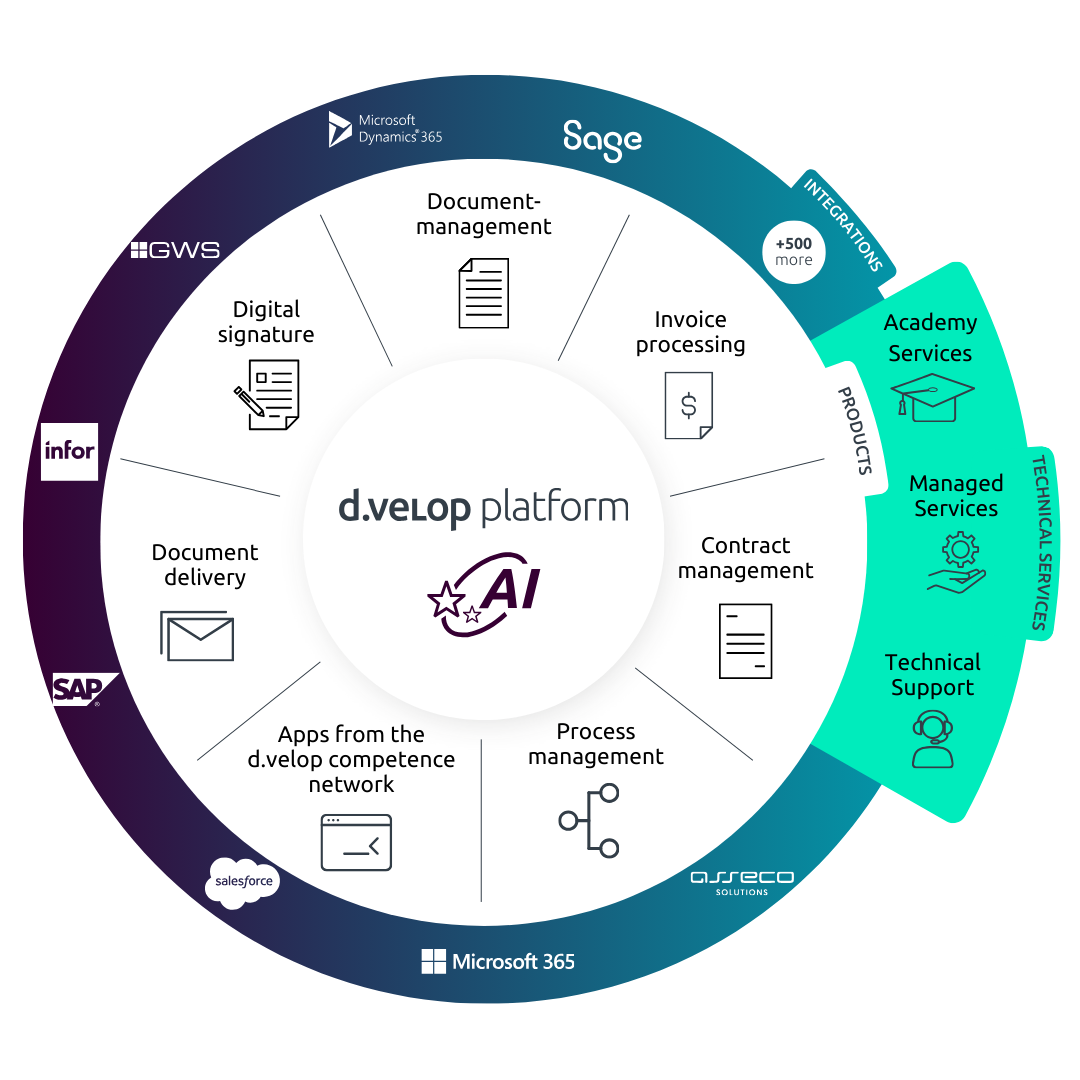
Holistic digitalisation across your organisation
One platform for all document processes
A contract management solution provides the perfect starting point for digitalisation. Expand your contract management with powerful solutions from the d.velop platform. Embrace holistic digitalisation and say goodbye to manual processes that waste valuable employee time – across the entire organisation.
Nieuws & Bronnen
Contract management for SharePoint in focus
Want to learn more about using contract management software? Here you’ll find news and in-depth information.
Contractbeheer effectief gebruiken in SharePoint en Microsoft 365

Discover why Excel is outdated for contract management and how SharePoint Online and Microsoft 365 provide a smarter, more strategic alternative for digital transformation.
Contractondertekening: digitaal een nieuwe zakelijke relatie aangaan

Explore why digital signatures are key to building trust in contract management and how e-signatures enable fast, location-independent signing.
Het contractbeheerproces verbeteren? Alleen mogelijk met digitalisering!

In dit blogartikel wordt precies uitgelegd hoe het contractbeheerproces werkt en hoe het kan worden verbeterd door middel van digitaal ontwerp.
7 Features every contract management software must have

Which functionalities should companies and organisations look for when choosing contract management software? We have summarised the seven must-have features.
De meest gestelde vragen over digitaal contractbeheer met SharePoint
Alle documenten in contractbeheer worden fysiek opgeslagen in uw SharePoint in onderliggende documentbibliotheken. Daarom kunnen alle documenttypes die door SharePoint Online worden ondersteund, worden opgeslagen in contractbeheer.
Documenten kunnen worden gedeeld met zowel interne als externe personen. Er is de optie om een link of een kopie van het document te sturen. Dit geeft de persoon alleen toegang tot het gedeelde document en niet tot andere inhoud van het contractbestand.
Contractdocumenten kunnen bewerkt worden in Word. Klik hiervoor op "Openen in Microsoft Office" in het contextmenu van het te bewerken document. Het document wordt geopend in de browser met Word Online en kan daar bewerkt en geopend worden als desktopversie. Alle wijzigingen worden automatisch opgeslagen en kunnen later worden bekeken met de functie voor het bijhouden van wijzigingen.
Zoeken naar documentinhoud is mogelijk via een full-text zoekopdracht. Hiermee wordt alle inhoud van doorzoekbare documenttypes gevonden, zoals Word, Excel, PowerPoint en PDF.
Er zijn standaard zeven contracttypes beschikbaar zodat je snel aan de slag kunt met contractbeheer. Je kunt deze contracttypes een andere naam geven of aanpassen. Je kunt ook extra contracttypes aanmaken.
De digitale handtekening kan worden geïntegreerd in contractbeheer, zodat contractdocumenten digitaal kunnen worden ondertekend vanuit het contractdossier. Het ondertekende document wordt dan als PDF in het dossier opgeslagen.
Op de startpagina is er een dashboard met "Contracten die mijn aandacht nodig hebben". Standaard bevat dit dashboard de tabbladen "Laatst gewijzigd", "Mijn deadlines", "Mijn taken" en "Onvoltooid". U kunt deze tabbladen aanpassen aan uw wensen als onderdeel van het implementatieproject.
d.velop contracts for Microsoft 365 kan de juiste autorisaties voor een raamovereenkomst bepalen en deze automatisch instellen op het contract. Hiervoor moeten autorisatieprofielen worden opgeslagen, die op contracttype-niveau definiëren welke rol lees- of schrijftoegangsrechten krijgt. De set regels kan ook worden gebruikt om flexibel in te spelen op uw behoeften. We adviseren je hier graag over.
Je kunt de gedetailleerde velden flexibel aanpassen tijdens de installatie en ook later. Wat het aantal detailvelden betreft, raden we de aanpak "zo veel als nodig, zo weinig als mogelijk" aan om voor een zekere duidelijkheid te zorgen en toch alles relevant te vinden.
De gedetailleerde velden zijn afhankelijk van het geselecteerde contracttype. In het geval van een leverancierscontract wordt bijvoorbeeld informatie over levertijden of kortingen gevraagd, terwijl het adres van het pand en het aantal parkeerplaatsen moeten worden ingevoerd voor een huurcontract.
Op het tabblad "Taken" kun je verschillende belangrijke data opslaan in een hoofdovereenkomst. Voor een nieuwe taak moet een vervaldatum en een begindatum voor de melding worden gedefinieerd. Op deze manier herinnert het systeem je op tijd aan komende deadlines.
Contact & Advies
Wij verbinden data en mensen – en kijken ernaar uit om van u te horen.
Nieuwsgierig geworden? We laten u graag onze software zien.
Vraag eenvoudig een live demo aan.