Digitale bestanden van d.velop
Businesses and organisations rely on d.velop digital files.



Hoe werken digitale bestanden?
Boost productivity with digital files
With digital files, you always stay in control of your information – GDPR-compliant and fully traceable. Employees can quickly find content, provide instant answers, and handle processes transparently and intuitively. Automated workflows ensure error-free operations and increase productivity across the entire organisation.
Simple filing and fast search
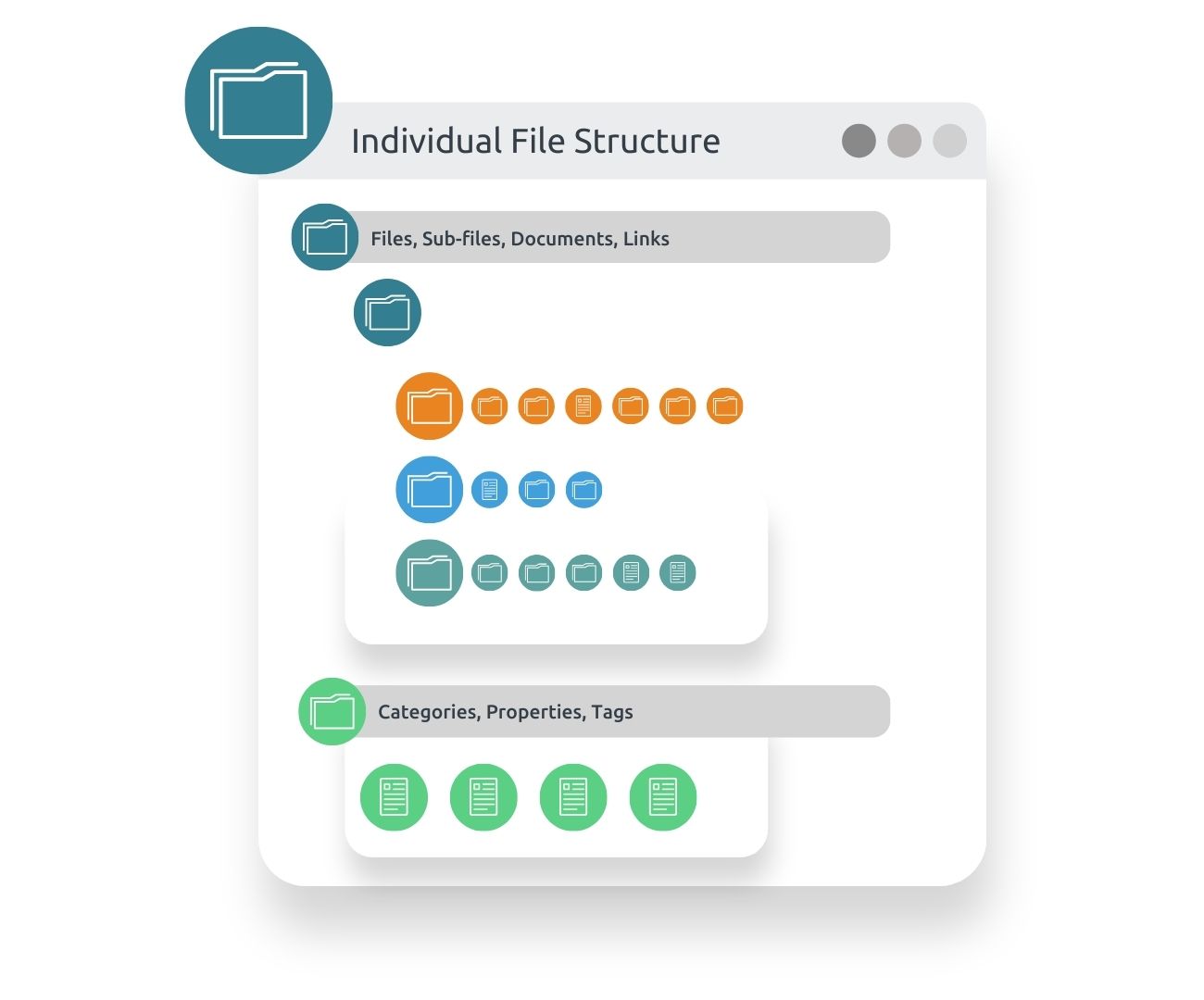
Thanks to customised file structures, documents are automatically sorted based on extracted properties and stored in the digital file. This makes all information easy to find and saves valuable time.
- Automatische toewijzing aan bestaande of nieuw aangemaakte bestanden
- Intuitive search – all files and documents at a glance
GoBD-conform en auditbestendige archivering
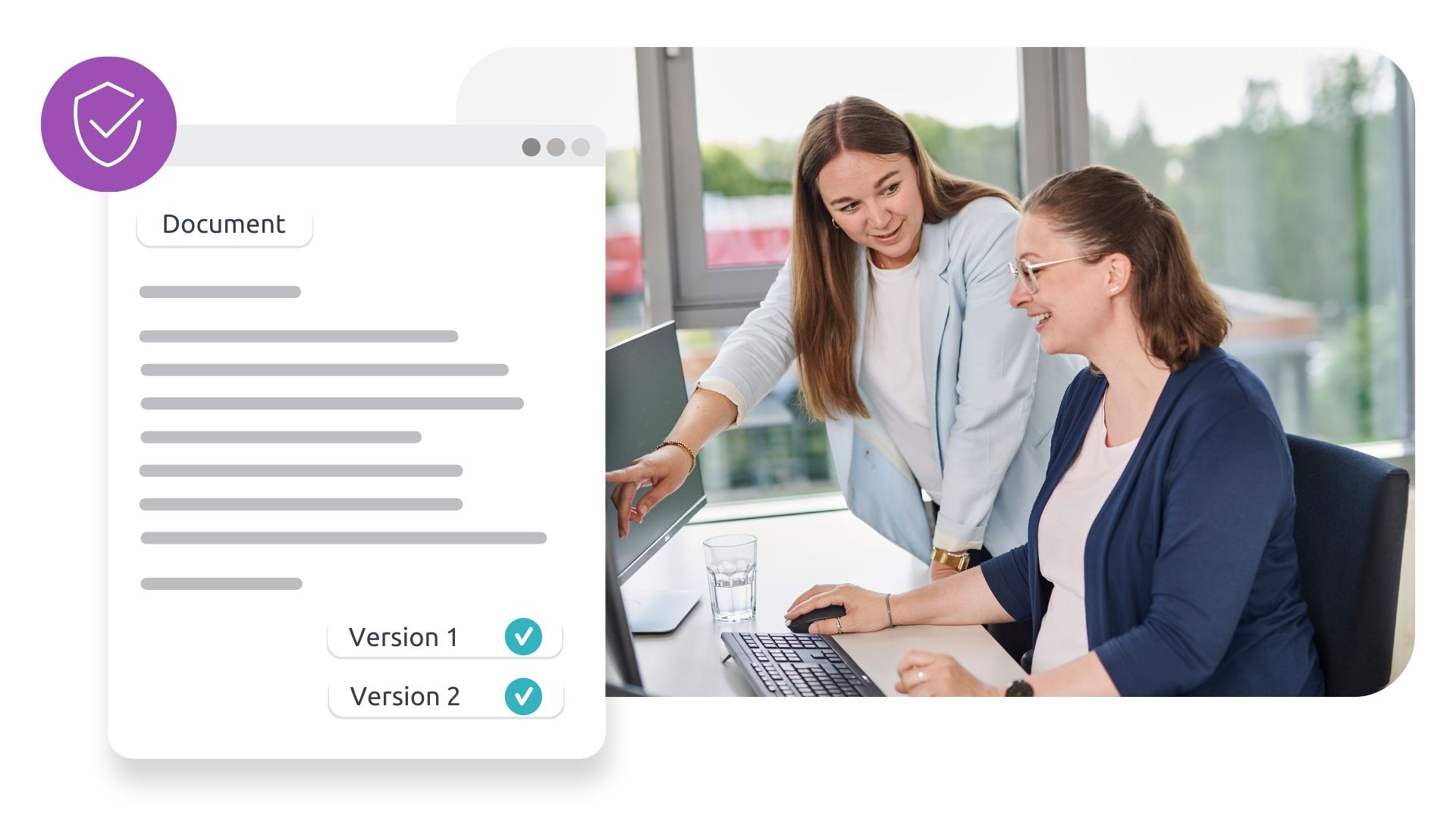
Immutable and traceable recording, indexing, storage, retrieval and reproduction of electronic documents in accordance with GoBD requirements. This ensures secure, audit-proof archiving.
- Naleving van wettelijke vereisten en bewaartermijnen
- Langdurige beschikbaarheid van bestandsformaten
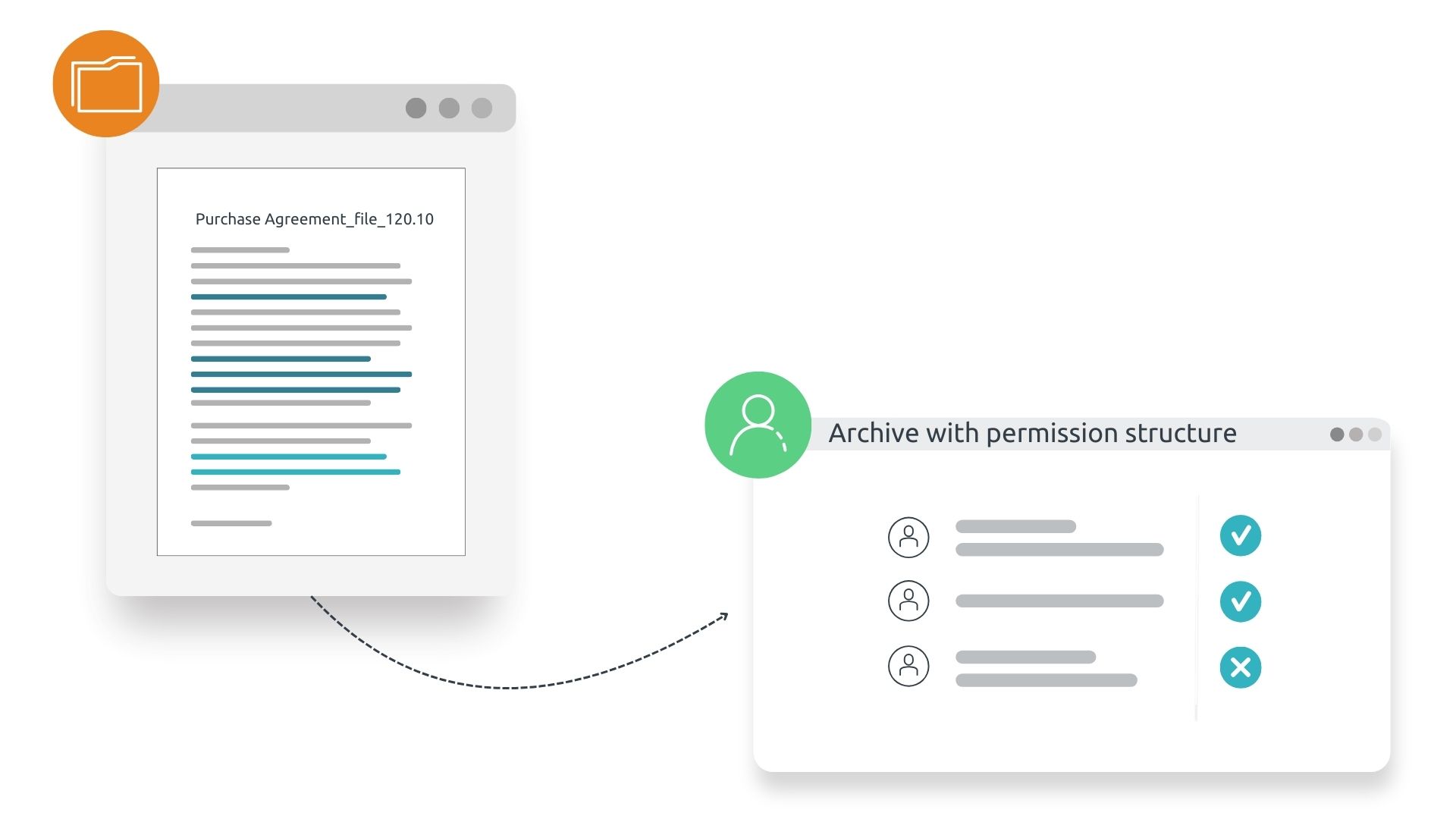
Flexible permissions management for greater security
With a granular rights concept, administrators can define specific access rights for groups, ensuring that only authorised employees can access sensitive files – enabling secure, cross-location working.
- Customised rights concept protects against unauthorised access
- GDPR-compliant working – enhanced security for confidential information
Digital File ProjeCt guide
Een succesvolle uitrol van digitale personeelsdossiers in drie fasen
In de projectgids "Een succesvolle uitrol van digitale personeelsdossiers in drie fasen" leer je het proces van de invoering van digitale personeelsdossiers - van de voorbereidingsfase tot de implementatie en vestiging in het bedrijf.
After 17 pages of valuable reading, including practical tips and checklists, you will be ready to start implementing digital personnel files in your company!
How do you integrate digital files?
Integrate d.velop software seamlessly into your existing systems.
A document management system including digital files must fit smoothly into your system landscape – this is the only way to avoid media disruptions. With d.velop, you benefit from proven integration expertise, confirmed by the Gartner Magic Quadrant for Content Services Platforms – whether ERP, CRM or other leading applications. Below you’ll find the most popular integrations and interfaces. Simply click to learn more!
Was die Bedienbarkeit angeht, vergleiche ich die digitale Personalakte der d.velop AG gerne mit Apple, die Bedienung geht intuitiv und einfach von der Hand.“

Which digital files are most popular?
De populairste digitale bestanden
Personeelsdossier
The digital personnel file accelerates HR processes within the company, ensures transparent workflows, and improves the ability to provide information.
Elektronische patiëntendossiers
Met de elektronische patiëntendossiers zijn documenten en testresultaten altijd en overal op een overzichtelijke manier beschikbaar.
Electronic File
Based on our established E-Government filing system, the eAkte seamlessly integrates into various specialised procedures of public administration.
Projectbestand
Met het digitale projectdossier kun je alle documenten direct beheren in een digitaal archief op een centrale locatie. Gebruikers hebben overal toegang tot projectgerelateerde documenten.
Which digital file do you need?
Your digital file tailored to your needs.
Digital files can be created for all requirements, industries and use cases. Their applications are diverse – from order files to approval files. d.velop customers use standardised files for the following scenarios, among others:
The digital resident file collects and archives all data and documents relating to residents of a social care facility in one single file.
All details of an order are centrally available at any time in a digital order file for authorised employees, ensuring swift processing.
The digital customer file stores all information and contracts relating to a customer in one central location, making them digitally accessible at all times.
With the digital production file, all relevant information such as bills of materials and construction plans can be stored in an easily accessible way for manufacturing.
Whether delivery notes, quotations or other supplier-related information: a digital supplier file consolidates all relevant details in one central place.
By using a digital machine file, operating manuals, spare parts catalogues and maintenance logs are always accessible.
A digital product file brings together all stages of the product lifecycle: from the initial idea and procurement through to the user manual.
The digital complaint file gives you an overview of all information relating to a complaint, including documents, images and emails.
The digital contract file helps you keep track of all deadlines associated with a contract. Structured storage and an authorisation concept provide additional security.
Security of Digital Files
Stay on the safe side with digital files.
With a sophisticated, granular permissions concept, you ensure that only authorised employees can view and edit files and documents. Especially when dealing with confidential data such as personnel files or contract files, digital file management guarantees security and compliance with statutory retention requirements.
Traceability
- Gedetailleerde en volledige registratie van alle wijzigingen
- Versiebeheer van documenten
- Quick response in the event of an audit
Compliance with legal retention requirements
- GoBD-compliant working practices
- Auditbestendige archivering
- Adherence to retention periods and proper deletion
Access control through permission management
- Centralised permission management
- Bescherming tegen onbevoegde toegang
- Enables GDPR-compliant working
Nieuws & Bronnen
Digital files explained in detail.
Digital credit file: DZ BANK success & smart credit processes with IDP and AI

How and why DZ BANK introduced a digital credit file and how AI-driven technologies such as Intelligent Document Processing (IDP) help to make credit applications smarter is what you’ll find out in this blog article.
Uitrol van digitale projectbestanden voor machines: OPTIMA verpakkingsgroep

Customised production involves complex projects with a variety of specialist departments: At the OPTIMA packaging group, digital project files help to store information centrally and in a structured way.
Bestandsbeheer: Definitie, tips, beperkingen en alternatieven
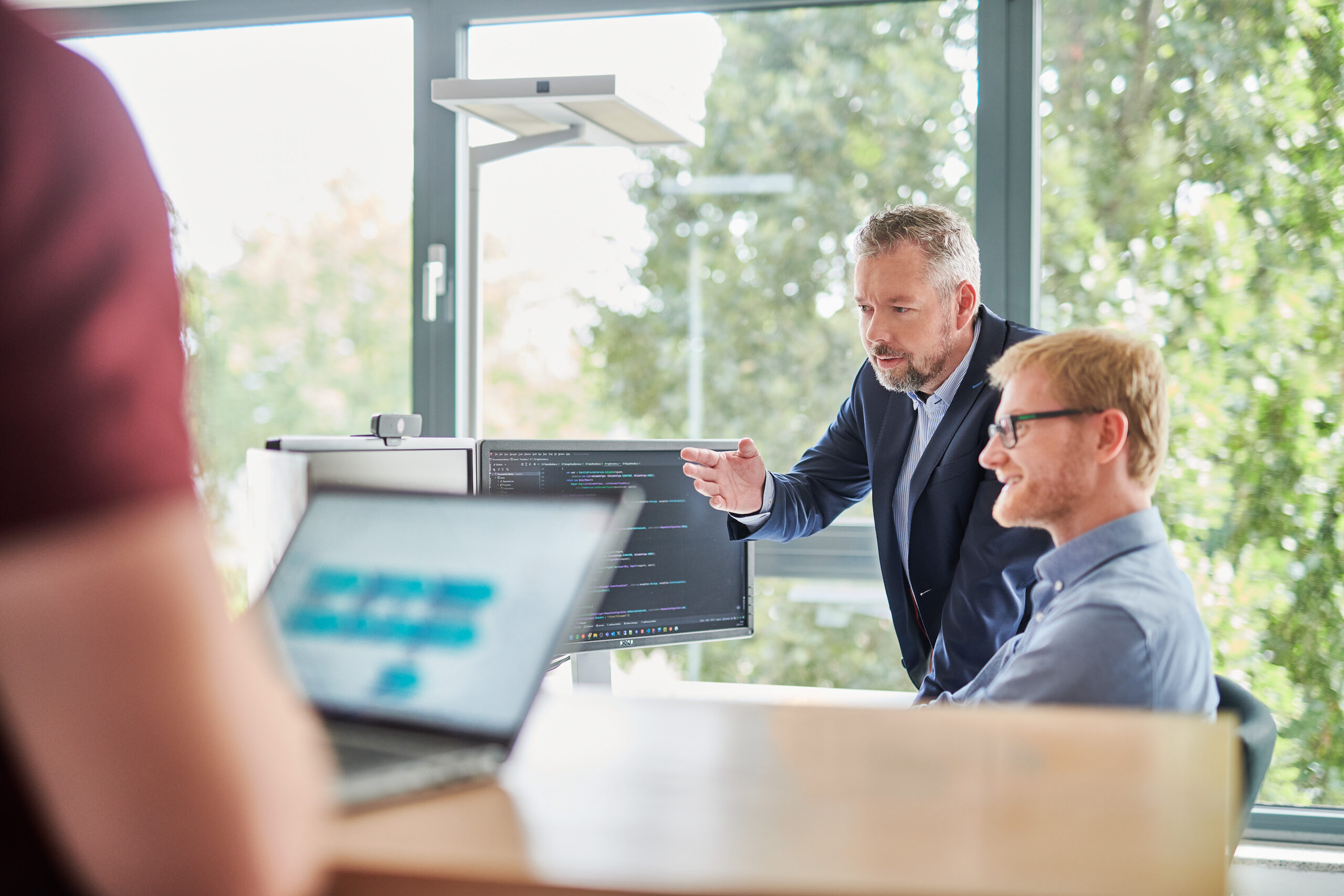
Discover what file management really means, its limitations, and why a Document Management System (DMS) is the smarter alternative.
Een succesvolle uitrol van digitale personeelsdossiers in drie fasen

In the project guide, you will learn the process of introducing digital personnel files – from the preparation phase to implementation and establishment in the company.
Veelgestelde vragen
Frequently asked questions and answers on the topic of digital files
Een digitaal dossier maakt deel uit van een elektronisch documentbeheersysteem dat documenten digitaal opslaat, beheert, beschikbaar stelt voor verwerking en deelt. Het vervangt traditionele papieren dossiers en maakt snelle en juridisch veilige toegang tot alle relevante inhoud mogelijk.
Het digitale dossier van d.velop maakt verschillende functies en workflows mogelijk die het documentbeheer aanzienlijk vereenvoudigen. Dit omvat onder andere volledig automatische classificatie van inhoud, zodat deze automatisch kan worden verplaatst naar bestaande of nieuw aangemaakte bestanden. Daarnaast zijn er verschillende typen bestanden om optimaal in te spelen op branchespecifieke behoeften, bijvoorbeeld.
You can import your existing paper documents into the digital file either using scanning functions or by outsourcing the scanning process to an external company. The size of the company or the industry is not a factor in this regard. This way, you can completely do away with paper files and benefit from the advantages of an electronic document management system (DMS).
Ja, het digitale dossier van d.velop bevat uitgebreide beveiligingsfuncties om de integriteit en vertrouwelijkheid van uw gegevens te beschermen. Dit omvat onder andere de verdeling van toegangsrechten, waardoor medewerkers toegang krijgen tot specifieke documenten die voor hen relevant zijn.
An eFile is an electronic file, particularly commonly used in public administration as a part of Document Management Systems (DMS). It replaces paper files and digitally provides documents and information. eFiles integrate seamlessly into the required specialised procedures and present the most important information directly in a clear manner on the digital file cover.
Een uitgebreid beheer van alle bouwgerelateerde documenten kan worden bereikt met een digitaal bouwdossier. Deze elektronische verzameling van verschillende documenten is locatieonafhankelijk beschikbaar en kan ook tijdens de bouw ter plaatse worden geraadpleegd, zodat informatie over cruciale beslissingen beschikbaar is. Of het nu gaat om plannen, tekeningen, berekeningen of beoordelingen, alle documenten zijn consistent toegankelijk.
Digital file management means that files and documents are not available in paper form but are instead electronically managed. This is done by organising the files through an electronic system, such as a Document Management System (DMS). With a DMS, digital files can be easily shared, collaboratively edited, and archived securely without much effort. This makes file management more organised, reduces the risk of losing documents, and minimises the error rate.
De voordelen van een digitaal personeelsdossier zijn onder andere eenvoudige toepassing, het koppelen van documenten en dossiers, locatieonafhankelijk werken en minder zoekwerk. Daarnaast is het digitale personeelsdossier beter beveiligd dan een dossier in een fysieke archiefkast.
Contact & Advies
Wij verbinden data en mensen – en kijken ernaar uit om van u te horen.
Nieuwsgierig geworden? We laten u graag onze software zien.
Vraag eenvoudig een live demo aan.